

Virtual Office Olympics: Your Complete Planning Guide

Running a virtual Office Olympics well comes down to three things: a clear structure, games that actually work over video, and enough ceremony to make it feel like an event rather than a meeting. The format itself is simple. You divide your team into groups, run a series of timed challenges across a shared platform, track points on a live scoreboard, and close with an awards ceremony. Done right, these workplace olympics games build the kind of cross-department rapport that a quarterly all-hands never will.
Here is what a well-run virtual Office Olympics delivers:
- A structured competition with defined teams, scoring, and a clear winner
- A mix of games that suit different skill sets and comfort levels
- Ceremonial moments (opening, leaderboard reveals, closing awards) that give the day a real arc
- Boosted morale and team engagement that outlasts the event itself
- A repeatable format you can run quarterly or annually
The planning lift is real, but so is the payoff. Teams that compete together in low-stakes, fun settings tend to collaborate better when the stakes are high.
1. The best virtual Office Olympics games for remote teams
The strongest lineups mix fast-paced trivia with word games, creative challenges, and at least one activity that requires zero prior knowledge. That variety is what keeps a 25-person team engaged for two hours instead of thirty minutes.
Trivia and knowledge games
- Jeoparty-style trivia: Flip the format by presenting answers and asking teams to supply the question. A category board with five or six topics lets every player find their lane, whether that is pop culture, company history, or sports.
- Coworker Clash: A host reads a survey-style question (“Name something you’d find on every desk”) and teams race to match the most popular answers. The lightning round at the end tends to produce the loudest reactions.
- Company history quiz: Custom questions about your organization’s founding, milestones, and inside jokes. Surprisingly competitive, and it doubles as onboarding reinforcement for newer hires.
Word and communication games
- Codeword: One player gives single-word clues to get teammates to guess a target word. The faster the guess, the more time the team banks for the next round. It rewards lateral thinking over raw knowledge, which levels the playing field nicely.
- Virtual charades: Teams act out Olympic events or workplace scenarios on camera. No props required, and it works in any video conferencing tool.
Creative and physical challenges
- Paper airplane distance throw: Each participant builds and launches a paper airplane on camera. Distance is measured against a visible reference object. Simple, fast, and genuinely funny to watch.
- Desk scavenger hunt: Call out an item (“something red,” “a book with more than 300 pages,” “anything with a battery”) and the first person to hold it up on camera scores the point. Inclusive games like this work because they require no special equipment and reward speed over skill.
- Virtual chair race: Participants race from one side of their visible workspace to another while seated in their chair. Judged on time and style. Chaotic in the best way.
- Sticky note challenge: Who can cover the most surface area of their monitor with sticky notes in 60 seconds? Requires nothing but office supplies and produces great screenshots for the company Slack.
- Mini puzzles and brain teasers: Picture-word puzzles, “name that tune” clips played through screen share, and logic riddles fill gaps between longer games and keep energy up during transitions.
Team strategy games
- Relay tic-tac-toe: Two teams alternate placing virtual markers on a shared grid, with each move timed. Strategy and speed both matter, which makes it more interesting than straight trivia.
- Virtual escape room segments: Short, pre-built puzzle sequences that teams solve in breakout rooms. Many browser-based options require no download and run in under 20 minutes.
Pro Tip: Build your lineup so that no two consecutive games test the same skill. Follow a trivia round with a physical challenge, then a word game. That rhythm prevents any single team from dominating and keeps the energy from flattening.
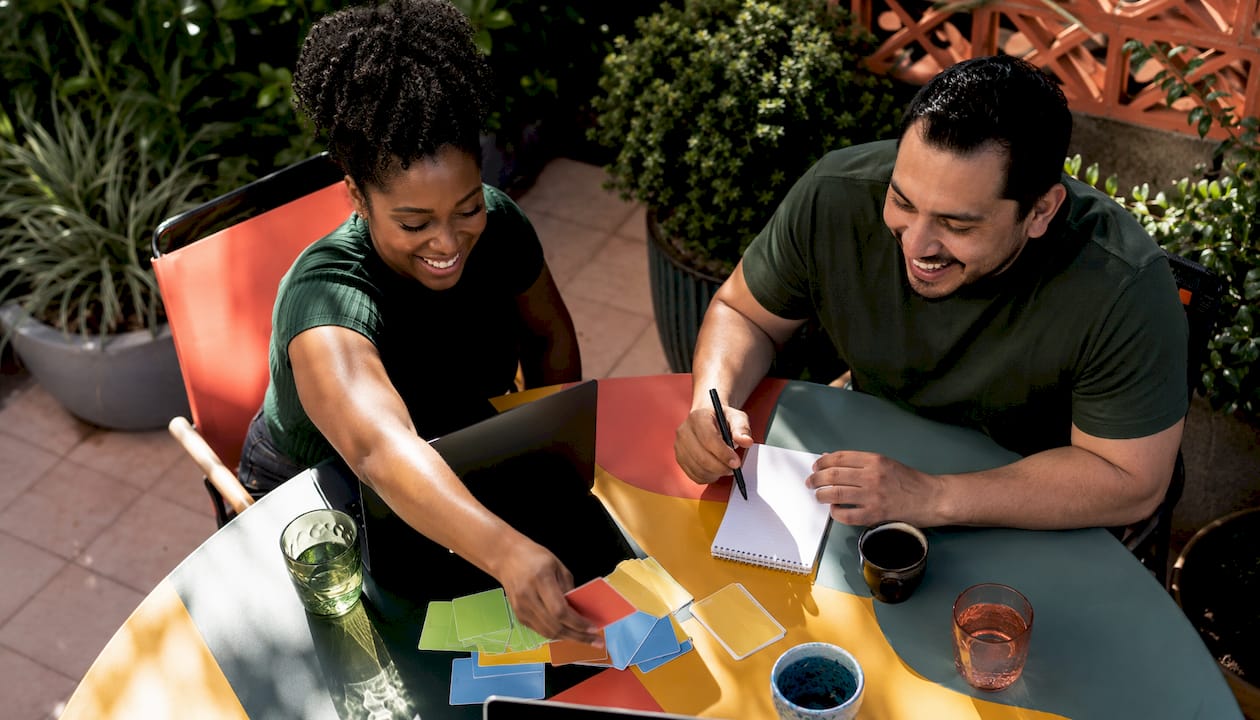
2. How to choose the right platform for your virtual Olympics event
Platform choice is where most organizers make their biggest mistake. They pick the tool they already use for meetings and then discover it cannot run simultaneous games in separate rooms, or that half the team hits a login wall.
The features that actually matter for an online office competition:
- No download required. Requiring participants to install an app before the event creates friction that kills momentum. Browser-based platforms sidestep IT approval delays and security concerns entirely.
- Breakout room support. Running games simultaneously in separate rooms is what separates a real multi-event Olympics from a single-game session. Breakout room capability lets four teams play four different games at once, then rotate.
- Live leaderboard. A scoreboard that updates in real time gives the event its competitive spine. Without it, you are just playing games. With it, you have a tournament.
- Flexible team swapping. Participants should be able to move between rooms without being locked to one game. This keeps the experience feeling open rather than regimented.
- Scalability. The platform needs to handle your full headcount without degrading video or audio quality. Test at peak load before the event.
- Minimal IT requirements. The best platforms work in Chrome or Safari with no configuration. If your IT team needs to whitelist anything, build that into your timeline two weeks out.
Pro Tip: Run a 15-minute technical rehearsal with one representative from each team the day before. This catches audio issues, browser incompatibilities, and login problems before they derail the actual event.
3. Virtual Olympics-themed decorations and dress-up ideas that actually work
The visual layer is what separates a virtual Office Olympics from a regular team call. It does not take much, but it has to be intentional. Themed backgrounds and costumes increase excitement and give participants something to react to the moment they join.
Practical ideas that require minimal effort:
- Virtual backgrounds: Olympic rings on a stadium backdrop, a podium graphic, or a country flag for each team. Most video platforms accept custom backgrounds in seconds.
- Team colors: Assign each team a color and ask everyone to wear something in that shade. A green shirt or a colored scarf is enough. It creates instant visual cohesion.
- Mock torch: A coffee mug, a flashlight, or a rolled-up paper cone works fine. The point is the gesture, not the prop. Use it during the opening ceremony and pass it symbolically between team captains.
- Digital medals graphic: A simple PNG of a gold, silver, or bronze medal displayed on screen during the awards ceremony lands better than you’d expect.
- Countdown timer on screen share: Display a visible timer between events. It builds anticipation and keeps transitions tight.
- Opening ceremony music: Play a 30-second clip of orchestral or fanfare music as teams join. It signals that this is not a regular meeting.
- Team flag slide: Each team gets a slide in the event deck showing their name, color, and a custom flag they designed in advance. Takes five minutes to create and generates genuine team pride.
The goal is immersion, not production value. A team that shows up in matching colors and sees a themed background feels like they are part of something, which is exactly the mindset that drives participation.
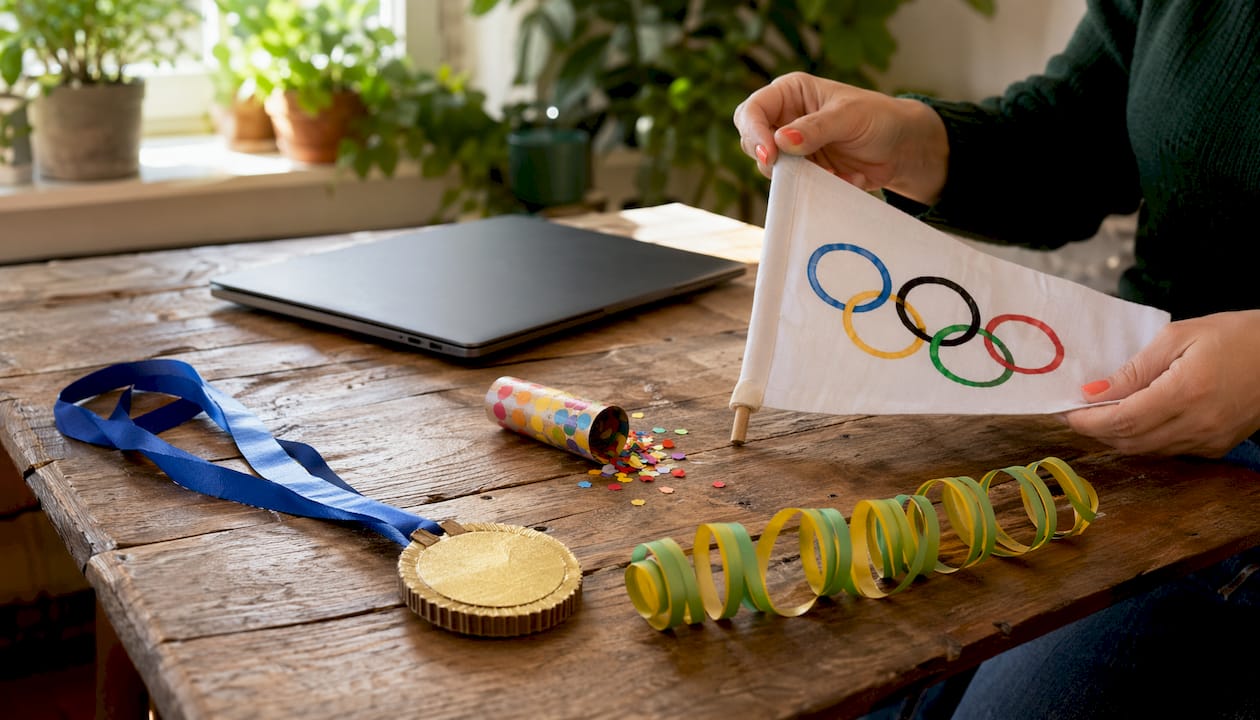
4. How to plan and run a virtual Office Olympics from start to finish
Strong execution starts three weeks before the event, not the morning of.
Three weeks out
- Confirm the date, time, and platform. Send a calendar invite immediately.
- Decide on the number of teams and the game lineup. Four to six games over 90–120 minutes is a reliable format.
- Assign a host or MC. This person runs transitions, announces scores, and keeps energy up. It is the most important role in the event.
Two weeks out
- Communicate team assignments. Let teams know their name, color, and captain. Pre-event organization like this reduces confusion and dropout on the day.
- Share the schedule publicly. A visible timeline of events helps participants plan their day and builds anticipation.
- Collect any materials participants need in advance (costume ideas, scavenger hunt item list).
One week out
- Run the technical rehearsal with team captains.
- Prepare the live scoreboard (a shared Google Sheet or a built-in platform leaderboard both work).
- Brief the host on transitions, timing, and how to handle technical issues mid-game.
Day of
- Open the virtual room 15 minutes early for casual pre-event chat.
- Run the opening ceremony: welcome remarks, team introductions, and the mock torch moment.
- Keep each game to its allotted time. The host cuts it off, even if a round is close. Tight timing is what keeps energy high.
- Announce running scores between games. The leaderboard reveal is its own event.
- Close with the awards ceremony. Announce bronze, silver, and gold. Recognize standout moments (“Most Enthusiastic,” “Best Costume”) so more people leave with something.
Post-event
- Send a recap with photos or screenshots within 24 hours.
- Collect feedback via a short survey (three questions maximum).
- Log what worked and what to change for next time.
Pro Tip: Build one recurring ritual into every edition of your virtual Office Olympics, whether that is the same opening music, a specific game that always appears, or a running joke that carries over. Traditions are what turn a one-off event into something teams actually look forward to.
5. Why rituals make virtual Office Olympics more memorable
HR professionals often focus on platform features and game selection, but rituals drive engagement more than technology does. A mock opening ceremony, a torch relay, and a dramatic leaderboard reveal convert a standard video call into something that feels culturally significant.
The mechanics are straightforward:
- Opening ceremony: A 5-minute segment with music, a welcome speech, and team introductions. Sets the tone and signals that the next two hours are different from a regular meeting.
- Torch relay: Each team captain holds up their mock torch on camera in sequence. Silly? Yes. Memorable? Absolutely.
- Leaderboard announcements: Reveal scores between games with a countdown and a drumroll sound effect. The anticipation is half the fun.
- Digital flag parade: Teams display their flag slide while the host reads their team name and record. Takes 90 seconds and generates real energy.
- Awards ceremony: Announce placements with the Olympic anthem playing softly in the background. Present digital badges or announce that physical swag is on the way.
Symbolic recognition matters beyond the ceremony itself. Tangible and digital rewards like mailed swag, digital badges, and public Slack shoutouts increase long-term motivation and make participants more likely to engage in the next event. A medal, even a digital one, carries more weight than a score.
Practical rituals your team can adopt immediately:
- A team chant or motto revealed during introductions
- A “spirit award” voted on by participants at the end
- A running trophy (a digital image) that the winning team “holds” until the next Olympics
- A highlight reel of the funniest moments, shared in the company channel the next day
The teams that build these traditions tend to request the next event before the current one is even over.
Gatherilla makes virtual team building genuinely easy
Skip the logistics headache. Gatherilla is built specifically for HR professionals and team leaders who want a real virtual Office Olympics experience without coordinating five different tools or waiting on IT.

Every game on Gatherilla runs in the browser, with no downloads, no installs, and no IT tickets. You get real-time leaderboards, customizable multiplayer games, and a platform that works alongside any video conferencing tool your team already uses. Setup takes minutes, not days. For remote team building games that actually hold attention, the daily challenge feature keeps teams connected between big events, so the culture you build during your Office Olympics does not evaporate the following Monday.
Whether you are running a 10-person team sprint or a company-wide competition across departments, Gatherilla scales without friction. It is the difference between an event people talk about and one they forget by Wednesday.
Key Takeaways
A well-planned virtual Office Olympics combines structured competition, inclusive game variety, and ceremonial rituals to build team cohesion that lasts beyond the event itself.
| Point | Details |
|---|---|
| Rituals drive engagement | Opening ceremonies, torch relays, and leaderboard reveals make events memorable and increase participation. |
| Platform choice matters | Browser-based platforms with breakout room support eliminate tech friction and keep turnout high. |
| Game variety is essential | Mixing trivia, word games, and physical challenges ensures every team member can contribute. |
| Recognition extends motivation | Digital badges and mailed swag increase long-term engagement after the event ends. |
| Gatherilla simplifies execution | No-download, browser-based games with real-time leaderboards make running a virtual Office Olympics fast to set up and easy to manage. |