

5–20 Minute Time Zone Friendly Games With Ready Scripts for HR

The best way to run team games across multiple time zones is to pair short, no-download browser games with asynchronous micro-challenges, so no one has to log in at 2 a.m. to feel included. This combination cuts scheduling friction, raises participation, and keeps things fair across regions. Platforms built for quick, browser-based play make this approach easy to operationalize.
TL;DR:
- Keep live games to 5 to 20 minutes, use browser access without downloads or accounts, and provide written instructions with an asynchronous alternative.
- Identify two or three predictable overlap windows, publish them, rotate unavoidable inconvenient slots, and announce each game at least 24 hours ahead.
- Asynchronous challenges should set response windows of 24 or 48 hours; daily word puzzles, photo captions, and voice notes need no shared meeting.
- Track live participation, asynchronous completion, and periodic sentiment, then review trends at 30, 60, and 90 days before scaling or pausing.
- Tie recognition to stated company values, since generic leaderboards can lose appeal; declining participation signals fatigue, not a need to add more games.
Table of Contents
- What Makes a Game Time-Zone Friendly
- 12 Game Formats Your Global Team Can Actually Play
- How to Schedule and Run Games Fairly Across Time Zones
- Async-First Options That Keep Everyone in the Loop
- Measuring Impact and Embedding Games Into Team Routines
- Gatherilla: A Quick Fit for Time Zone Friendly Games
- FAQ
- Sources
What Makes a Game Time-Zone Friendly
A game earns the “time-zone friendly” label when its format, not just its content, respects the reality that your team is never all awake at once. Three criteria matter most.
Duration comes first. Games that run 5 to 20 minutes fit inside an existing stand-up or team call without asking anyone to carve out a separate block at an awkward hour. Anything longer tends to lose remote participants who are already stretching their schedule to show up.
Technical friction comes second. A game that needs a download, an account, or a high-bandwidth connection will quietly exclude people on older devices or slower connections, often without anyone noticing until engagement drops.
Equity comes third. Predictable cadence, rotating meeting slots, and documented instructions let someone who missed the live session catch up without feeling penalized.
- Keep sessions under 20 minutes so they slot into existing meetings instead of requiring new ones.
- Choose browser-based tools that work on any device without installation or IT approval.
- Rotate inconvenient time slots so the same region never absorbs the burden.
- Publish a short facilitator script and an async fallback for every live game.
A single entry link, a one-page facilitator script, and a documented async alternative turn any game into something a global team can actually run. Our browser-based approach is built around exactly this kind of low-friction setup.
Pro Tip: Test your game link from a personal phone on cellular data before the session. That five-minute check catches most access problems before they become excuses to skip the game.
12 Game Formats Your Global Team Can Actually Play
These formats split into two groups: short synchronous games you run live during an existing call, and asynchronous micro-challenges that need no shared meeting time at all. Each includes timing, group size, a one-line setup, a script starter, and an async backup.
- Lightning trivia (5 min, any group size): Pull five quick questions tied to company trivia or pop culture. Script starter: “You’ve got 20 seconds per question, answer in the chat.” Async alternative: post the same questions to a thread with a 24-hour response window.
- Five-minute show-and-tell (5 min, up to 10 people): Each person shows one object from their desk. Script starter: “Grab anything within arm’s reach and tell us why it matters.” Async alternative: a photo thread where people post and comment over the day.
- Two truths and a lie (10 min, up to 8 people): Each participant shares three statements; the group guesses the lie. Script starter: “No follow-up questions until everyone’s guessed.” Async alternative: submit all three via a form, reveal answers the next day.
- Virtual scavenger hunt (15 min, any group size): Call out household items to find fastest. Our Minute to Win It guide has ready scripts for this format. Async alternative: a 48-hour photo checklist submitted asynchronously.
- Rapid-fire icebreaker (5 min, any group size): One prompt, 30 seconds per answer, no debate. Script starter: “Favorite meal growing up, go around the room.” Async alternative: drop answers into a shared doc over 24 hours.
- Collaborative story building (10 min, up to 12 people): Each person adds one sentence to a shared story. Script starter: “Keep it to one sentence, build off the last person.” Async alternative: a thread where people add lines whenever they log on.
- Guess the colleague (10 min, any group size): Share anonymous fun facts; the group guesses who. Script starter: “No naming names until the reveal.” Async alternative: submit facts via form, reveal weekly.
- Daily word challenge (async, any group size): A single word puzzle posted each morning with a rolling leaderboard. This fits naturally into a daily ritual rather than a scheduled meeting.
- Photo caption contest (async, any group size): Post an image, invite captions over 24 hours, vote the next day.
- Voice note intros (async, new hires or small teams): New employees record a 60-second voice note instead of a live introduction.
- Values bingo (async, company-wide): A bingo card of company-values behaviors people check off and share evidence for over a week.
- Short video introduction (async, any group size): A 30-second self-recorded clip shared in a channel, viewed on each person’s own schedule.
How to Schedule and Run Games Fairly Across Time Zones
Fairness in scheduling starts with picking overlap windows deliberately rather than defaulting to whoever’s time zone is most convenient for leadership. A CHI 2023 study from Microsoft Research found that blocking predictable overlap windows is a low-cost strategy most teams skip, even though employees see it as fairer than ad hoc scheduling.
- Map every team member’s working hours and identify the two or three windows where the most people overlap.
- Negotiate and publish those blocked windows so games always land inside them, never outside.
- Rotate any unavoidable inconvenient slot so the same region doesn’t always absorb the early or late call.
- Announce the game and link at least 24 hours ahead, test the link yourself, and keep strictly to the stated time.
- Record the outcome and follow up in writing so anyone who missed it can catch up asynchronously.
Harvard Business School’s guidance on distributed teams recommends written communication and documented check-ins to replace the informal observation that happens naturally in an office, and the same logic applies to games: write down what happened so no one has to have been there to feel part of it.
Pro Tip: Set a clear async response window, such as 24 hours, and say it out loud every time. Ambiguity about timing causes more frustration than the time difference itself.
Async-First Options That Keep Everyone in the Loop
Asynchronous formats remove the scheduling problem entirely by letting people participate whenever their day allows. Research from HBS points out that training managers to set explicit expectations around asynchronous communication reduces the pressure employees feel to respond instantly or shift their hours.
- Run daily or weekly micro-challenges with a time-windowed submission period, like 24 or 48 hours, so leaderboards stay fair regardless of who’s awake first.
- Use threaded formats, such as photo prompts, voice notes, or short video intros, to surface personal connection without requiring a shared meeting time.
- Tie light recognition or badges to specific company values rather than generic participation, so the reward feels earned rather than arbitrary.
Our async team-building guide walks through running these formats at scale without turning every challenge into another task on someone’s list.
Measuring Impact and Embedding Games Into Team Routines
Track three things: participation rate for live sessions, completion rate for async challenges, and a short sentiment pulse every few weeks. Qualitative anecdotes, a Slack comment, a thank-you in a one-on-one, often reveal more than the numbers alone.
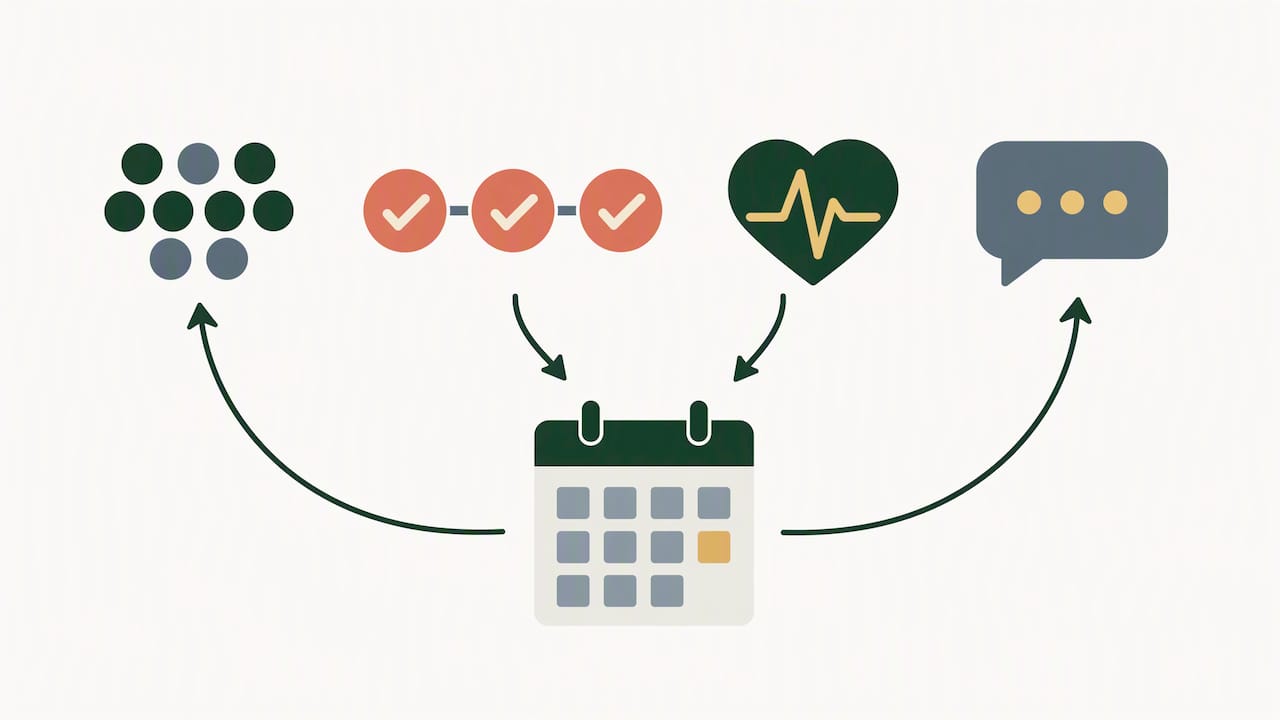
A 30/60/90 evaluation works well: check participation at 30 days, compare async versus live completion at 60, and decide whether to scale or pause at 90 based on whether engagement held steady or declined.
Gamification tends to boost engagement and satisfaction when it’s aligned with organizational fit and values, according to a literature synthesis on workplace gamification. A generic leaderboard with no connection to what the company actually values tends to fade fast.
- Watch for declining participation as an early signal of gamification fatigue, not a reason to add more games.
- Tie recognition explicitly to a stated company value to keep buy-in from leadership and employees alike.
— Thomas
Gatherilla: A Quick Fit for Time Zone Friendly Games
Our platform is built around this problem: browser-based games that need no downloads, no accounts, and no IT approval, plus a daily challenge that keeps teams connected without another meeting on the calendar. It runs inside the video tool you already use.

If you’re ready to try it, check our pricing page for the Free plan or Premium, which runs $0.50 to $1.00 per month per seat or $5 to $10 per year per seat, and see which fits your team.
FAQ
What makes a game time-zone friendly for remote teams?
A time-zone friendly game runs in 5 to 20 minutes, works in a browser without downloads, and offers a documented async alternative so no one is forced into an inconvenient hour.
How do we schedule games fairly when teammates span multiple time zones?
Block two or three predictable overlap windows and rotate any unavoidable inconvenient slot so the burden never falls on the same region every time, a strategy Microsoft Research found employees see as fairer than ad hoc scheduling.
What are good asynchronous game ideas for distributed teams?
Daily word challenges, photo caption contests, and short voice-note introductions work well because people complete them on their own schedule within a stated response window, typically 24 to 48 hours.
How much does Gatherilla cost?
Gatherilla offers a Free plan, with Premium priced at $0.50 to $1.00 per month per seat or $5 to $10 per year per seat.
How do we measure whether these games are working?
Track live participation rate, async completion rate, and a short sentiment pulse every few weeks, then review the trend at 30, 60, and 90 days to decide whether to scale or pause.
Sources
- Global Talent, Local Obstacles: Why Time Zones Matter in Remote Work | Working Knowledge
- Challenging but Connective: Large-Scale Characteristics of Synchronous Collaboration Across Time Zones
- How to Build & Manage High-Performing Distributed Teams
- Study on gamification, engagement and satisfaction (literature synthesis)