

Online Charades for Work: Skip Prompt Prep With Inclusive HR Scripts
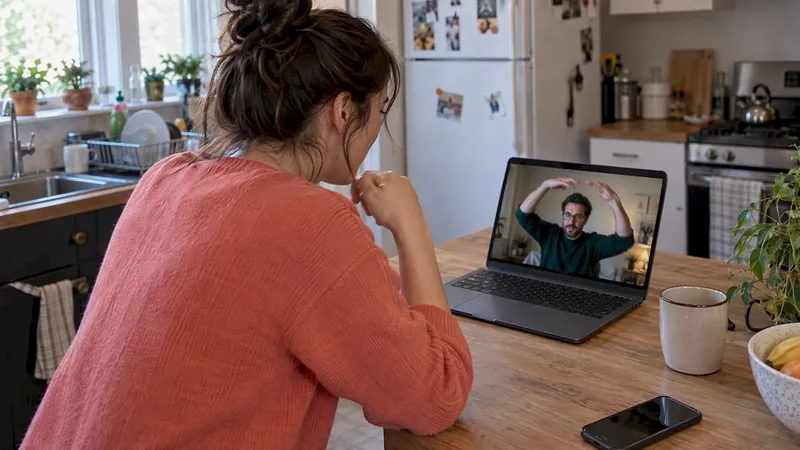
Yes, short, facilitated online charades work well as a low-prep icebreaker for remote and hybrid teams when you keep rounds tight and prompts inclusive. They fit neatly into a 5-minute meeting opener, a 15-minute social break, or a 30-minute onboarding session. For teams that want a ready-made option instead of building one from scratch, a browser-based platform can remove the setup entirely.
TL;DR:
- Prepare 10 to 15 prompts by difficulty, test spotlight and breakout controls beforehand, and assign a cohost when more than 10 people attend.
- Keep each turn at 90 seconds or less, rotate performers evenly, and use a visible timer to keep rounds moving.
- Make participation optional and offer typed clues or a teammate relay, especially for people with camera anxiety, bandwidth limits, or disabilities.
- For groups of up to 20, a video platform’s spotlight, breakout rooms, screen sharing, and a free word generator cover the basics.
- A five minute opener can run three 60 second rounds; a 15 minute session can fit five 90 second rounds and a two minute debrief.
Table of Contents
- Step-by-step facilitator checklist to run online charades
- Best free tools and generators for online charades
- Prompt lists, themes, and copy-ready examples for work
- Facilitation best practices: psychological safety and managed chaos
- Technical setup and troubleshooting cheat sheet
- Scripts, timing templates, and scoring tables you can copy
- Author perspective: practical takeaways from running many virtual games
- Our platform is designed so you never have to assemble prompts, test spotlight settings, or write a script before a meeting. Everything on the checklist, customizable prompts, no downloads, built-in timers, is already handled in a browser-based game you can launch in minutes.
- FAQ
- Sources
Step-by-step facilitator checklist to run online charades
Running a smooth session comes down to preparation, clear roles, and a flow everyone understands before the first round starts.
Before the game:
- Pick your platform (Zoom, Microsoft Teams, or Google Meet) and confirm it supports spotlight and breakout rooms.
- Test the spotlight feature and breakout room assignments with a colleague beforehand.
- Prepare 10 to 15 prompts sorted by difficulty, and have a backup list ready.
- Assign a host and, for groups over 10, a co-host to manage tech while the host runs the game.
During the game: 5. Explain the rules once, clearly: no talking, no sound effects, gestures only. 6. Set a visible timer with a short duration per turn that works for most groups. 7. Rotate the performer role so everyone gets equal turns, and let the guessing happen in open chat or verbally depending on group size. 8. Track points on a shared screen or simple notes doc so scoring stays transparent.
For accessibility, offer a camera-free alternative such as typed clue-giving or a teammate-relay option, and make participation opt-in rather than mandatory. This keeps the game welcoming for people with bandwidth limits, camera anxiety, or disabilities that make gesture-based play difficult.
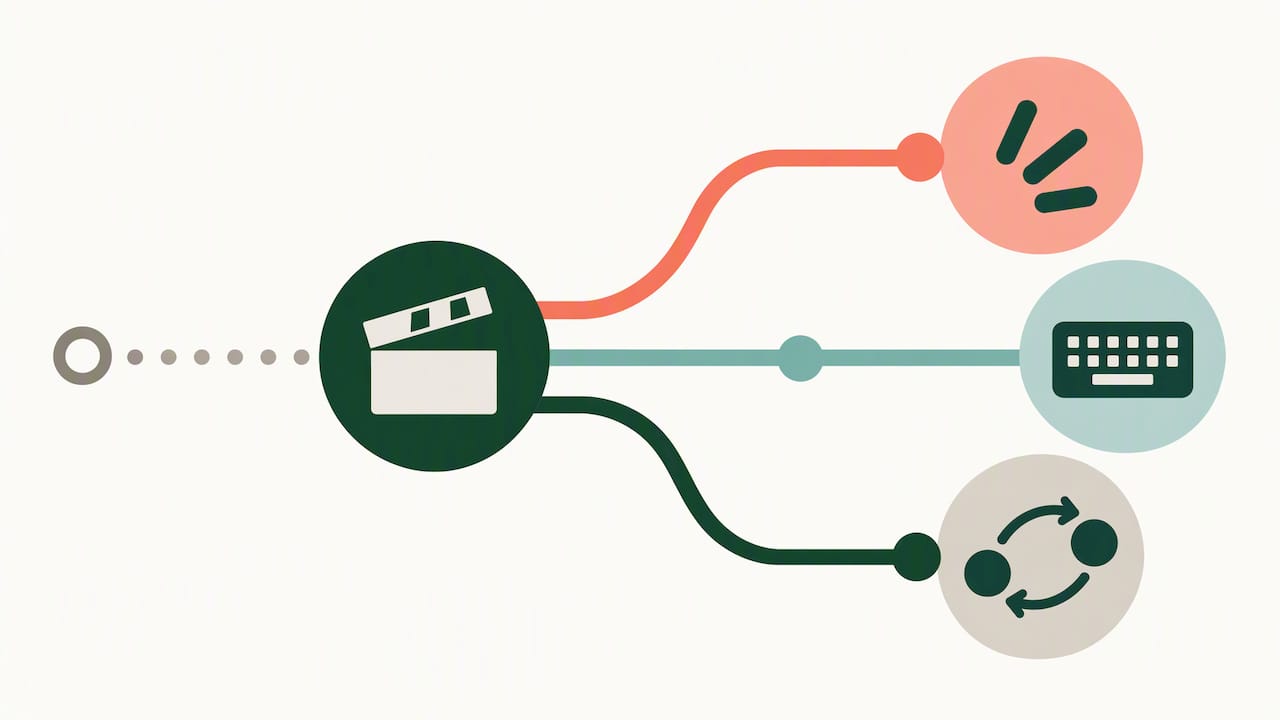
Pro Tip: Cap any single round at 90 seconds. Momentum, not difficulty, is what keeps a remote crowd engaged.
Best free tools and generators for online charades
You don’t need special software to run a good game. A video platform with spotlight and breakout controls, a free online word generator, and a visible timer cover most needs.
- Random-word generators: browser-based charades generators let you filter by category and difficulty without creating an account.
- Meeting platform features: spotlight, breakout rooms, and screen share are usually enough to manage flow for groups up to 20.
- Timers: a shared on-screen timer or a simple phone stopwatch keeps rounds honest.
- Internal prompt banks: a shared spreadsheet or CSV lets HR teams reuse vetted, company-safe prompts across sessions.
When picking a tool, weigh group size, whether it requires downloads, how well it supports accessibility needs, and whether the host has enough moderator control to manage turns and mute disruptions. Before game day, run a five-minute test: open the generator, confirm the spotlight and breakout settings work as expected, and read through your prompt list for anything that could embarrass or exclude a teammate.
Prompt lists, themes, and copy-ready examples for work
Good prompts are specific enough to act out but broad enough that no one feels put on the spot. Mixing categories keeps energy up across a session.
- Action prompts: typing an email, making coffee, presenting to a client.
- Object prompts: a laptop, a stapler, a conference phone.
- Movie or show prompts: keep these mainstream and widely recognized to avoid leaving anyone out.
- Job-themed prompts: onboarding a new hire, running a status meeting, troubleshooting a printer.
| Theme | Example prompt | Best for |
|---|---|---|
| Workplace action | “Answering a surprise phone call” | Quick energizers |
| Office object | “A sticky note” | Beginners, mixed experience |
| Neutral pop culture | “A superhero flying” | Larger, mixed-age groups |
| Project milestone | “Launching a product” | Team-specific sessions |
| Onboarding scenario | “Meeting your manager for the first time” | New-hire sessions |
For an internal prompt bank, get sign-off from HR or a team lead before circulating prompts company-wide, and review each one for anything that could reference a sensitive topic, an inside joke that excludes newer hires, or an action that assumes physical ability everyone on the call may not have. A clipboard-ready set of 15 to 20 vetted prompts, saved in a shared doc, means any host can paste a list into chat or a slide with no extra prep.
Facilitation best practices: psychological safety and managed chaos
The research on remote team interaction points to a consistent pattern: structure, not spontaneity, is what makes games feel safe. Organizational research on remote psychological safety finds that structured interaction and mutual self-disclosure strengthen trust among remote workers, which supports curating prompts in advance rather than improvising on the spot. Separate hybrid-team research on Slack interactions recommends three concrete design moves: lower the stakes, regulate turn-taking, and build in intentional engagement, all of which translate directly into charades facilitation rules.
- Make participation opt-in, never mandatory, and offer a camera-free alternative every round.
- Curate prompts to avoid anything that could embarrass a specific person or group.
- Give every performer equal spotlight time, timed and visible to the group.
- Use breakout rooms for smaller, lower-pressure rounds when the full group feels too exposed.
Before you start, run a quick five-point audit: are the rules clear, is participation equal, are prompts safe, is the tech tested, and is there time for a debrief. Score each 1 to 5 and shorten or postpone the game if anything scores low.
Pro Tip: Playful doesn’t mean careless. Check in with quieter teammates after the game, not just during it.
Technical setup and troubleshooting cheat sheet
Most charades sessions fail because of tech friction, not bad prompts. A quick pre-check solves most of it. Practitioner guidance on virtual charades recommends a short tech rehearsal and framing the session as “managed chaos,” meaning brief, energetic, and clearly facilitated.
- Pre-check spotlight assignment, gallery view, and breakout room groupings before participants join.
- Ask performers to frame themselves well in-camera and mute background noise.
- Offer a chat-based guessing fallback for anyone with audio or bandwidth issues.
- Use a teammate-relay option: if someone’s camera fails, they can describe gestures to a partner who performs instead.
Scripts, timing templates, and scoring tables you can copy
A script removes the awkward “what do we do now” pause. Here are two you can paste directly into your notes.
5-minute script: “We’re playing quick charades. I’ll spotlight one person for 60 seconds. No talking, gestures only, guess in chat. Ready? Go.” Run 3 rounds, rotate performers each time.
15-minute script: “Welcome back. We’re doing five rounds of 90-second charades, one performer per round. Type your guess in chat, first correct guess wins the point. Camera-free option: type your clue instead of performing.” Run a 2-minute debrief after round five.
| Group size | Rounds | Time per round | Total time |
|---|---|---|---|
| Small groups | Few rounds | Short timed rounds | Short total session |
| Medium groups | Moderate rounds | Brief timed rounds | Moderate total session |
| Larger groups | Several rounds | Brief timed rounds | Longer total session |
- Award 1 point per correct guess, 2 points if the performer’s team guesses within 30 seconds.
- Break ties with one rapid-fire 30-second bonus round.
Author perspective: practical takeaways from running many virtual games
Short virtual games earn their place in a meeting when they’re brief, structured, and opt-in. I’ve watched five-minute rounds turn a flat stand-up into a round of genuine laughs more reliably than any long icebreaker ever did.
Do: keep rounds under 90 seconds, rotate performers, and test your platform first. Don’t: force participation, reuse risky prompts, or let one round run long. For hosts who’d rather skip the setup, ready-made games are worth a look.
— Thomas
Our platform is designed so you never have to assemble prompts, test spotlight settings, or write a script before a meeting. Everything on the checklist, customizable prompts, no downloads, built-in timers, is already handled in a browser-based game you can launch in minutes.

Our games fit the same moments this guide covers: a quick onboarding icebreaker for new hires, a weekly energizer before a standup, or a larger activity for a company-wide all-hands. Start with our Free plan to try a session, or browse our games page to see what fits your next meeting.
- No downloads or accounts required for participants.
- Customizable prompts you can tailor to your team’s culture.
- Works inside common video conferencing tools.
FAQ
What are some good charades to play at the office?
Workplace-friendly prompts cover everyday office actions (typing an email, presenting to a client), common objects (a stapler, a laptop), and neutral pop-culture references everyone on the team recognizes. Avoid inside jokes or references tied to a specific group, since those can leave newer or remote teammates out.
Is there an online version of charades?
Yes, charades adapts easily to video calls using a host, a spotlight feature, and a shared timer, with guesses typed in chat or spoken aloud. Browser-based word generators and platforms built for remote team games, like Gatherilla, make it easy to run without downloads or extra setup.
What are some fun virtual game ideas for work?
Besides charades, short trivia rounds, virtual pictionary, and quick icebreaker prompts work well for remote meetings. The most effective ones share three traits: they run under 15 minutes, require no special software, and let people opt out without pressure.
What is the best free charades app?
There isn’t one universal “best” option since free tools vary by group size and platform needs, but a solid pick combines a free word generator with your existing video platform’s spotlight and breakout features. For teams that want prompts, scoring, and game management built into one place without downloads, a platform like Gatherilla’s free plan covers the basics.
How do I keep online charades inclusive for everyone?
Make participation opt-in, offer a camera-free alternative such as typed clues, and curate prompts in advance to avoid anything that could embarrass a specific person. Rotating equal turns and using breakout rooms for smaller groups also helps reduce performance pressure, based on hybrid-team facilitation research.
Sources
- Repatterning interactions in remote work environments: bolstering psychological safety through mutually humanizing self-disclosure
- Two Sides to Every Story: Exploring Hybrid Design Teams’ Perceptions of Psychological Safety on Slack
- Tips to Play Virtual Charades at Work - Sorry, I was on Mute