

All-Hands Activities: 20 Ideas for Remote and Hybrid Teams

The best all-hands activities are short, two-way and repeatable: a five-minute icebreaker at the start, a recognition moment in the middle, and a live Q&A at the end. Everything in between is company news. Below you will find ideas for each of those slots, a sample agenda, ways to include remote colleagues and a short plan for onboarding new hires through the meeting.
TL;DR
- Open with a 5 to 10 minute interactive activity (poll, one-word check-in, quick game) so people speak before the slides start.
- Build in recognition: welcome new hires, mark anniversaries and let anyone nominate a colleague.
- Keep the meeting to roughly 45 to 60 minutes, send topics ahead of time and open the Q&A early so questions can be anonymous.
- Treat the remote experience as the default: chat, polls and a named person watching the remote questions.
- Between meetings, keep the connection going with small daily rituals instead of waiting for the next all-hands.
Table of Contents
- What an all-hands activity actually needs to do
- A sample all-hands agenda with slots for activities
- Opening activities that wake the room up
- Recognition activities that make people feel seen
- Participation formats for the middle of the meeting
- Make activities inclusive in a hybrid setting
- Use the all-hands to onboard new employees
- Keep the connection going between all-hands
- Our perspective: engagement is a daily habit, not a quarterly event
- Run your next all-hands with Gatherilla
- A simple plan for your next all-hands
- FAQ
- Sources
What an all-hands activity actually needs to do
An all-hands brings the whole company into one room or one call. Most of the time is spent on announcements, which means most of the audience is passive. An activity changes that: it gives every person a way to take part in the first few minutes, which sets the tone for the rest.
A good activity has four traits:
- It takes under 10 minutes. The business content is why people came.
- It works for 20 people or 2,000. Polls, chat prompts and breakout rooms scale; going around the room does not.
- It carries no pressure. Opt-in and low-stakes beats forced sharing.
- It needs no preparation from attendees. If people must download something or create an account, the first minutes go to troubleshooting.
That last point is why we built our games to run in the browser with no downloads. More on that later.
A sample all-hands agenda with slots for activities
A structure helps you decide where each activity belongs. One published all-hands template from Surf Office suggests a 75-minute format: a 5-minute welcome, a 10-minute icebreaker, 10 minutes of announcements, 20 minutes of company updates, a 15-minute special session, 10 minutes of Q&A and a 5-minute check-out. That is a solid skeleton, though many teams will want something tighter. One contributor to Forbes Business Council argues that anything beyond 50 minutes is often unnecessary for large internal meetings.
Here is a 50-minute version you can adapt:
| Minutes | Segment | Activity slot |
|---|---|---|
| 0 to 5 | Welcome | Live poll or one-word check-in |
| 5 to 10 | Team moment | Quick game or icebreaker |
| 10 to 15 | People | New hires, anniversaries, shoutouts |
| 15 to 30 | Company update | Short story or demo behind the numbers |
| 30 to 40 | Lightning talks | Two or three 3-minute team spotlights |
| 40 to 48 | Q&A | Questions submitted in advance and live |
| 48 to 50 | Wrap-up | Takeaways, next steps, one-click feedback poll |
If your company is large, rotate which teams take the spotlight slots so the agenda stays fresh.
Opening activities that wake the room up
The first five minutes decide whether people treat the meeting as a broadcast or a conversation. These starters all work in video calls and hybrid rooms.
Polls and word clouds
Ask one light question the moment people join: “What is your Monday energy level?” or “Which season is your favorite?” Results appear instantly and everyone has contributed something. Polls also give you a safe way to test the room before a heavy topic.
One-word check-in
Each person types one word in the chat describing how the week is going. Read a few aloud. It takes two minutes, scales to any size and is a staple of remote team-building lists, including Slack’s roundup of everyday connection activities.
Rose, bud, thorn in the chat
People post one good thing, one thing they are looking forward to and one challenge. Roses and Thorns, the shorter version, encourages people to bond over shared wins and losses, and the same Slack article notes that this kind of openness supports psychological safety. In a big all-hands, run it in the chat rather than out loud so it does not eat your time.
Quick multiplayer games
A two to five minute word or trivia game gives people a shared goal and a little friendly competition. A live leaderboard keeps the energy up while latecomers arrive. For script-ready ideas that fit a short slot, see our guide to all-hands meeting games and our Zoom icebreakers with scripts. If your company runs on Microsoft’s tools, the Teams icebreakers page covers that setup.
Chat waterfall and quick visual prompts
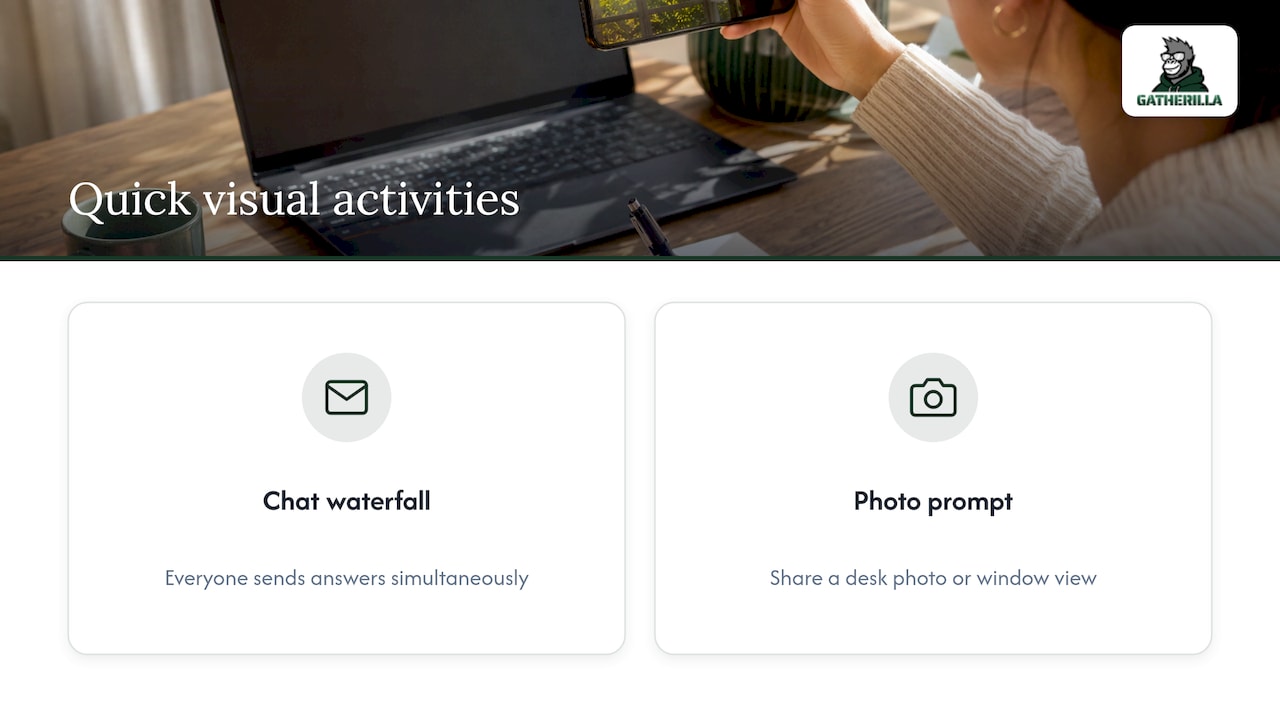
Pose a question, tell everyone to type their answer without sending it, then have everyone press enter at the same time. The chat floods at once, which feels playful. Another visual option is asking everyone to share a photo of something on their desk or a view from their window, which works for teams across many time zones.
For a longer menu, our remote icebreaker games guide and our page of virtual conference icebreakers go deeper.
Recognition activities that make people feel seen
Recognition is the part of an all-hands that employees remember. It also gives your agenda a human middle between the announcements.
Welcome new hires and mark milestones
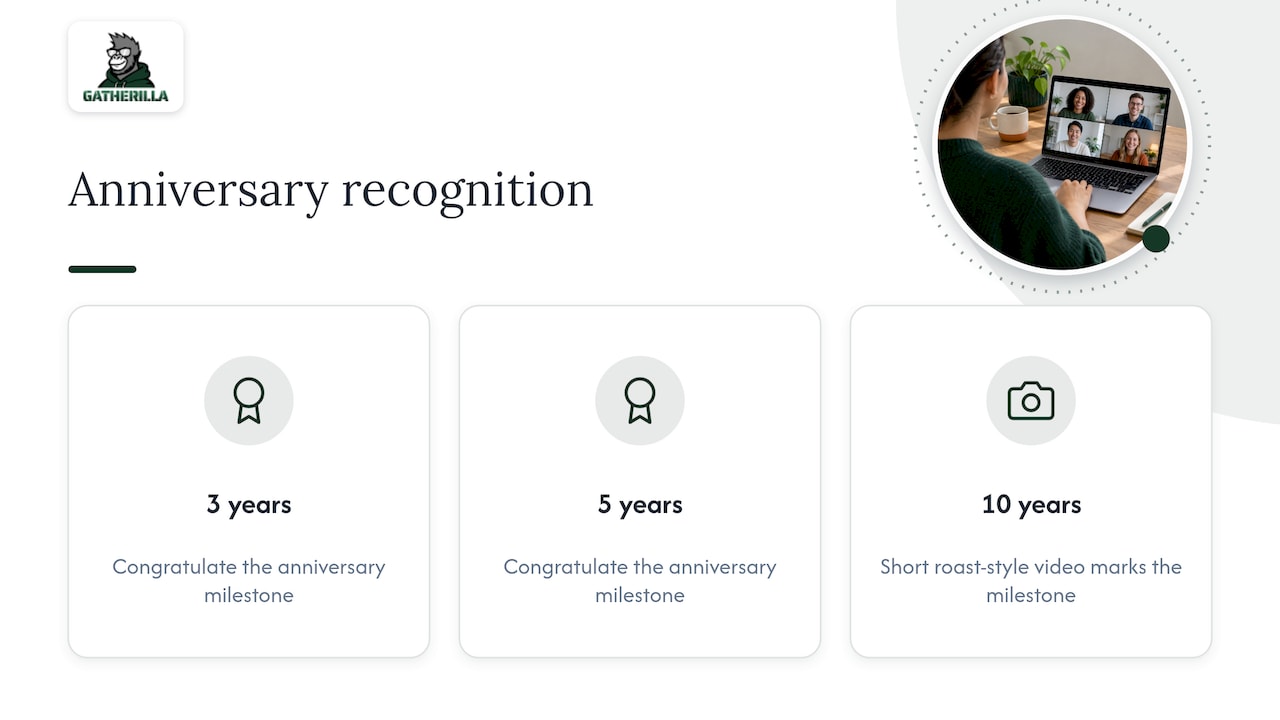
Atlassian recommends opening each all-hands with the names, photos and locations of new hires, then congratulating people who reach 3- and 5-year anniversaries. For 10-year milestones, the company goes bigger with a short, roast-style video. You do not need the video budget. A slide with a photo and one line from the person’s manager does the same job.
Let anyone nominate a hero
Weaviate describes a “Weaviate Hero” nomination system in which anyone can submit a colleague’s name and explain why that person is their hero. The approach shifts recognition from top-down to peer-led. A simple form linked in the pre-meeting email is enough to collect nominations.
Micro-recognition rounds
Set a two-minute timer and ask everyone to drop a thank-you in the chat, naming the person and what they did. Read out three or four, then save the rest as a document. This works because it is fast and spreads credit widely. We built peer-to-peer recognition aligned to company values into Gatherilla for the same reason: praise lands better when it comes from colleagues and ties to what the company cares about.
Shoutouts tied to stories
One Forbes Business Council contributor suggests mixing in stories that connect data to real people and calls shoutouts for big and small wins energizing. Instead of reading out a sales number, tell the story of the person who closed the deal and what the customer said.
Participation formats for the middle of the meeting
The middle is where attention drops. Switch format every ten minutes or so.
- Lightning talks. HackerOne runs a weekly all-hands where, after company news, up to five 3-to-5-minute lightning talks follow, then live questions and questions posted in a Slack channel. The format gives a different person the floor each time.
- Demo sessions. Weaviate also runs regular demos where people show work in progress, which invites questions and collaboration.
- Cross-team spotlights. Have two teams co-present one project, so people learn what their neighbors actually do.
- Anonymous Q&A. Open the question channel when the meeting starts, not at the end, and let people upvote. Add a rule that unanswered questions get a written reply within a few days.
- Breakout rooms. For a leadership coffee chat with a remote team, groups of 8 to 10 keep conversation manageable.
- Open mic or talent segment. A two-minute hobby share or a pet appearance can do more for culture than another slide.
Make activities inclusive in a hybrid setting
A hybrid all-hands fails when the people in the room have a better experience than the people on screen. A few habits fix most of it.
- Make remote the default. Run a tech check, assign a remote champion to watch the chat and raise questions, and record the session for people who cannot attend live.
- Offer more than one way to take part. Voice, text and async responses all count. Let sharing be opt-in and give equal airtime to people on screen.
- Send questions and topics in advance. People contribute better when they are not joining blind.
- Choose browser-based tools. Anything that needs a download or an account will exclude someone, usually the newest person or the one on a locked-down laptop.
- Rotate time zones. If you have a global team, alternate meeting times or run the same agenda twice with a shared recording.
Fairness also extends beyond the meeting. Remote staff notice when decisions about their pay or advancement look different from those of colleagues in the office, and trust shapes how freely people join in. If you want background on how companies handle that, read about how location-based pay works. For more on keeping remote attendees involved during the meeting itself, see our guide to hybrid meeting engagement and our hybrid meeting icebreakers.
Psychological safety deserves its own mention. Activities that ask people to reveal personal details should always be optional, and the leader should go first with something small. Our collection of icebreakers that build psychological safety is written for HR leaders who need that balance.
Use the all-hands to onboard new employees
New hires often feel lost in a large meeting. A few small rituals turn it into a welcome.
- Introduce them early. Square’s onboarding case study describes introducing new hires to the whole company at the all-hands on Friday of their first week, alongside a buddy from their team who is their main point of contact.
- Let them introduce themselves. Front’s practice, described in a Medium article, invites new hires in their second week to share who they are, their role, their first-week impression and a picture or talent that shows who they are as people.
- Pair the introduction with a game. A quick multiplayer round where new hires play alongside veterans lowers the barrier far more than a round of formal introductions.
- Give each person a follow-up. The buddy sends a note after the meeting pointing out two or three colleagues worth meeting.
If your all-hands is the only moment the whole company gathers, that first appearance matters. A friendly, low-stakes activity makes the next one easier.
Keep the connection going between all-hands
A monthly or quarterly meeting cannot carry a culture on its own. The small rituals in between do more of the work.
- Daily challenge. A short word or trivia puzzle that takes a couple of minutes gives people a reason to open a shared link and see where colleagues stand.
- Fika-style coffee breaks. Built In’s list of virtual team-building ideas includes Fika coffee breaks, storytelling topics, live coworking sessions and breakfast clubs.
- Theme days and virtual watercoolers. Buffer’s remote team practices include theme days on video calls and watercoolers for celebrating milestones, anniversaries and birthdays.
- Channel challenges. A dedicated channel for pets, sports or a daily word game keeps conversation light and cross-team.
- Random pairing. Lunch roulette connects people who would not otherwise meet.
The pattern is the same: small, regular and optional. Engagement becomes a habit rather than an annual event, which is the idea behind Gatherilla.
Our perspective: engagement is a daily habit, not a quarterly event
Many companies treat the all-hands as the one big moment of connection and then wonder why the energy fades by Wednesday. We see it differently. The meeting is a peak, but the culture is built in the days around it.
That is why we designed Gatherilla around zero-preparation, browser-based games. When a team leader can start a round in seconds, with no downloads or accounts, an icebreaker stops being a scheduling project and becomes something you simply do. Compatibility with every video conferencing tool means it fits the meeting you already run.
We also think recognition should come from colleagues, not just managers. Peer-to-peer recognition tied to company values turns “good job” into something specific, and it fills the people segment of your all-hands with real material instead of obligation.
Our approach is to make engagement sustainable: a daily challenge to keep teams connected, a leaderboard for friendly competition and a free tier so you can try it with your team before anyone approves a budget. Start with one activity at your next all-hands, then keep the rhythm going.
Thomas
Run your next all-hands with Gatherilla
Gatherilla is a browser-based platform of customizable multiplayer games for remote and hybrid teams. It includes daily word and trivia challenges, meeting icebreakers, onboarding games for new hires and real-time leaderboards, and it works with all video conferencing tools without downloads.
There is a free plan to start. The Premium plan, which adds more games, reporting and priority support, is published at $0.50 to $1.00 per seat per month or $5 to $10 per seat per year. See the details on the pricing page, or explore the Gatherilla platform and pick a game for your next meeting.
A simple plan for your next all-hands
If you want to act on this today, here is a short checklist.
- A week before: send the agenda, invite questions and open the anonymous Q&A channel. Collect hero nominations.
- Day of: run a tech check and name a remote champion to watch the chat.
- First five minutes: poll or one-word check-in.
- Minutes five to ten: a quick game or icebreaker for the whole group.
- People segment: new hires, anniversaries and peer shoutouts.
- Middle: switch format at least twice, with a lightning talk, a demo or a spotlight.
- End: answer top-voted questions, state action items and run a one-question poll on how valuable the meeting was.
- After: share the recording and written answers to unanswered questions, then start a small daily ritual to keep the energy going.
One of the research notes we reviewed suggests ending with a final poll asking how valuable the meeting was. That gives you a clear signal on what to keep and what to cut next time.
If you are new to running these, begin small. One activity, one recognition moment and one open Q&A already change the feel of the meeting. Add a new element each time, keep what people respond to and retire what they do not. If you are a newly promoted lead, our new manager icebreakers give you ready-made openers for your first team meetings, and agile teams can browse the Scrum icebreakers.
FAQ
What are some good all-hands meeting activities?
Start with a poll or one-word check-in, then add a quick multiplayer game, a recognition round and a lightning talk. Close with live Q&A. Together these cover participation, fun and information in under an hour.
How long should an all-hands meeting be?
Most guidance points to about 45 to 60 minutes. One Forbes Business Council contributor says more than 50 minutes is often unnecessary. Longer sessions should be broken into segments with a clear change of format every ten minutes.
How do you keep remote employees engaged in a hybrid all-hands?
Treat the online experience as the main one. Use chat and polls, assign someone to bring remote questions to the speaker and record the session. Browser-based activities that need no downloads let everyone join at the same moment.
How can an all-hands welcome new employees?
Open the people segment with their names, photos and locations, and invite them to share a short intro with a photo or a talent. Pair each with a buddy who follows up afterward. A light game with veterans also helps them meet colleagues.
Sources
- Surf Office: The anatomy of an all-hands meeting agenda
- Forbes Business Council: How Companies Can Make Large-Scale Internal Meetings More Engaging
- Slack: 29 Team-Building Activities for Work
- Atlassian: How to create all-hands meetings that matter
- Weaviate: How a values-driven All Hands helps sustain our company culture
- HackerOne: The Power of Connection, Weekly All-Hands Meetings
- Square onboarding case study (PDF)
- Medium: How to run an efficient and effective all-hands meeting
- Built In: 52 Top Virtual Team Building Activities for Remote Teams
- Buffer: How We Connect, Celebrate and Have Fun As a Remote Team
- Salary Atlas: Remote Pay Adjustments